

A Google Business Profile definition might sound like something only marketers care about, but if you’re a small business owner trying to get found by local customers, it’s one of the most important things you can understand. This free tool from Google controls how your business shows up on Google Search and Google Maps, the two places people look first when they need a product or service nearby.
Here’s the thing: having a great website is only part of the equation. At Avatar Website Design, we build custom, SEO-optimized websites for small businesses every day, and we consistently see that pairing a strong website with a properly set up Google Business Profile creates significantly better results. One without the other leaves visibility, and customers, on the table. That’s why we put together this guide: to give you a clear, practical understanding of what this tool actually is and why it matters.
This article breaks down exactly what a Google Business Profile is, how it works behind the scenes, and how to get your free listing set up. Whether you’re brand new to running a business or you’ve been operating without one for years, you’ll walk away knowing the concrete steps to start showing up where your customers are already searching.
What a Google Business Profile is
A Google Business Profile (formerly called Google My Business) is a free online listing that Google provides to businesses, letting you control how your business appears across Google’s platforms. When someone searches for your business name or a service you offer near them, the information that shows up on the right side of search results or on Google Maps comes directly from this profile. You fill it in, you manage it, and Google uses it to match your business with nearby searchers.
To put the google business profile definition plainly: it’s your official, Google-hosted business card, and it costs nothing to create or maintain.
A Google Business Profile is arguably the most accessible tool a small business has to get found by local customers at no cost.
What information your profile contains
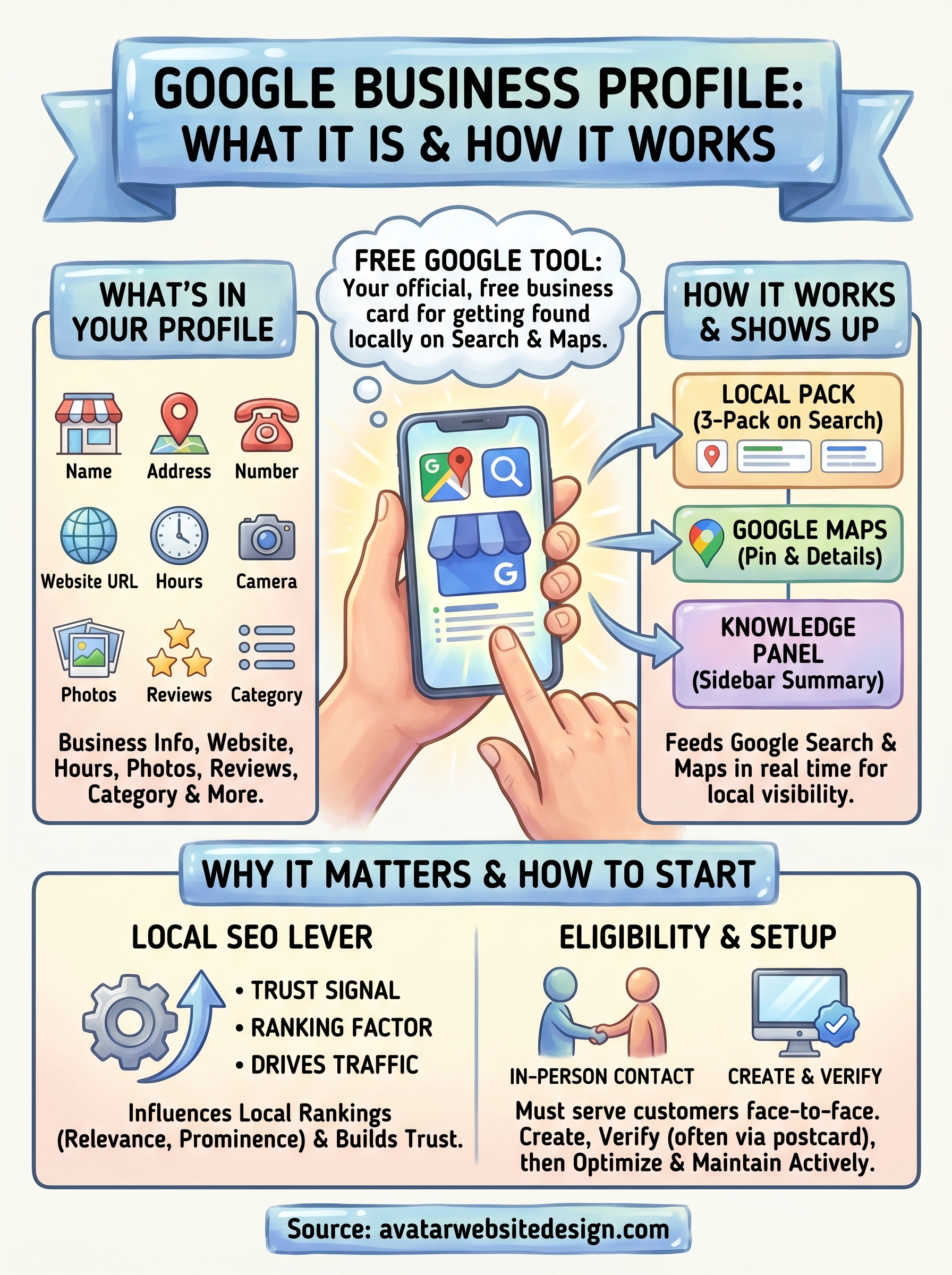
Your profile holds a significant amount of data about your business. You can add your business name, address, phone number, website URL, and hours of operation, along with a written description of what you do. Google also lets you upload photos, respond to customer reviews, post updates, and list your specific products or services. All of that information gets indexed by Google and used to determine when and where your business shows up in local search results.
Your profile also includes a category system where you select the type of business you run, such as "plumber," "bakery," or "web design agency." That category selection plays a direct role in which searches trigger your profile to appear. Picking the right primary category is one of the first decisions that actually affects your local visibility in a measurable way.
How Google uses your profile data
Google pulls data from your profile to populate Search results and Maps listings in real time. When someone searches "web designer near me" or "best coffee shop in [city]," Google cross-references its index of business profiles to surface the most relevant, complete, and trusted results. Profiles with accurate, detailed, and regularly updated information consistently rank higher than sparse or outdated ones.
This is why treating your profile as a living document matters rather than a one-time setup task. Google rewards businesses that stay active, respond to reviews, and keep their details current with greater visibility in local results. That visibility directly translates to more calls, more website visits, and more customers walking through your door.
Where it shows up and how it works
Your Google Business Profile surfaces in three distinct places on Google: the local pack, Google Maps, and the knowledge panel. Each placement gives potential customers a snapshot of your business before they ever click through to your website, which means your profile information does real marketing work even when you’re not actively promoting yourself.
The local pack and Google Maps
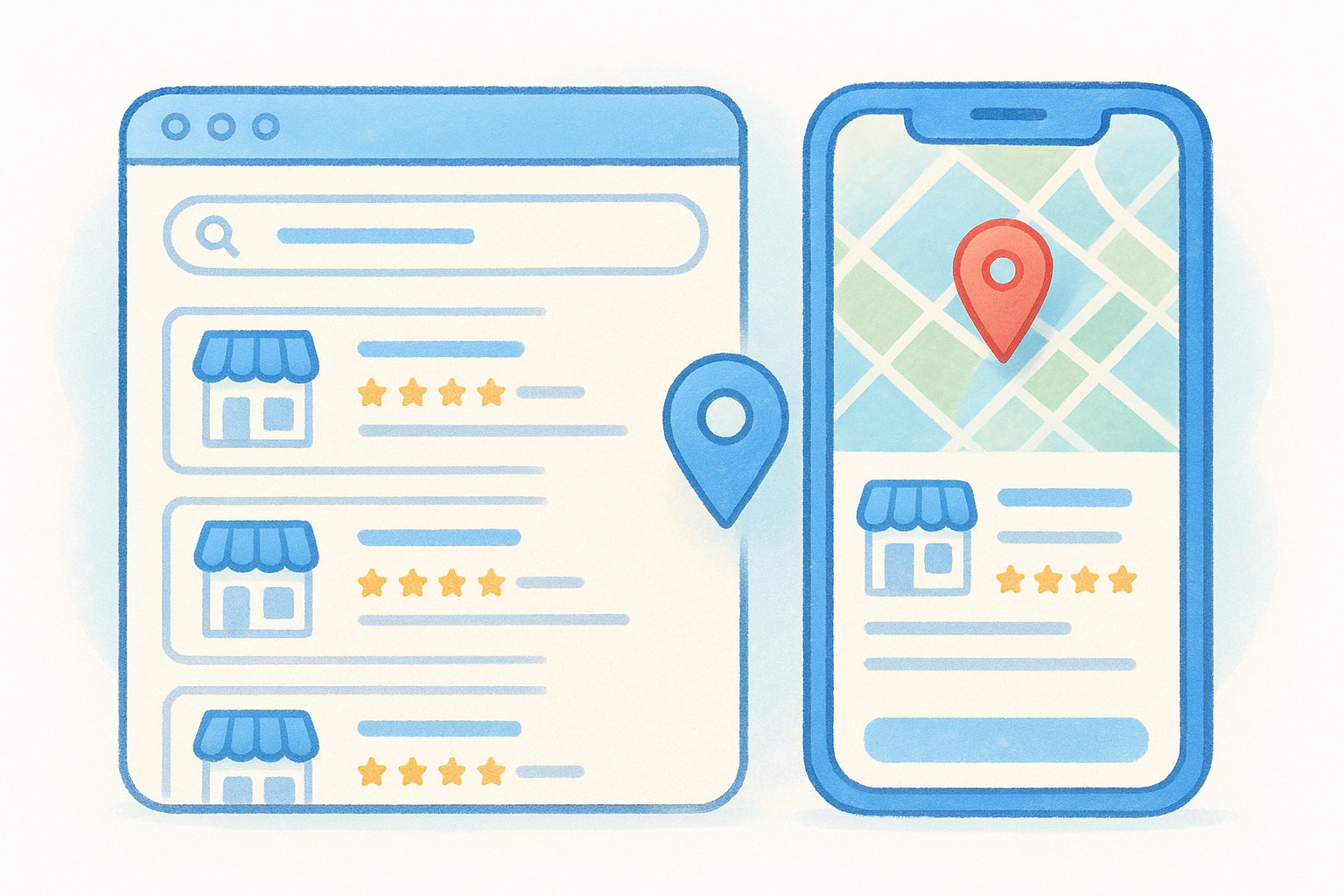
The local pack is prime real estate in search results. When someone types a query like "plumber in Dallas" or "best pizza near me," Google displays a map with three highlighted business listings directly below any paid ads. Your profile is what makes you eligible to appear there. Without one, you simply won’t show up in that space.
Appearing in the local pack puts your business in front of high-intent customers who are actively looking to buy right now.
Google Maps works the same way. Your profile data populates your pin on the map, and tapping that pin shows your hours, reviews, phone number, and photos instantly. Customers use Maps to compare businesses side by side, so a complete profile with current photos and reviews gives you a clear advantage over competitors with sparse listings.
The knowledge panel
When someone searches your exact business name, Google often displays a knowledge panel on the right side of the results page. This panel pulls directly from your profile and shows your contact details, website link, photos, reviews, and hours in one clean block. It functions as a quick-reference summary for anyone who already knows your name and wants to verify your information or get in touch fast.
That knowledge panel also reinforces the google business profile definition concept: Google builds and maintains it using the data you submit directly, so accuracy and completeness control exactly what customers see.
Why a Google Business Profile matters for local SEO
Local SEO is about ranking in front of customers in your geographic area, and a Google Business Profile is the single most direct lever you have to influence those rankings. Google treats your profile as a primary trust signal when deciding which businesses to show in local results. A well-maintained profile tells Google your business is active, legitimate, and relevant to nearby searchers, which directly affects how often you appear.
It feeds Google’s local ranking factors
Google ranks local businesses based on three main factors: relevance, distance, and prominence. Your profile directly affects all three. Relevance improves when your categories, description, and services accurately reflect what you offer. Prominence grows when you accumulate positive reviews and consistent engagement on your profile. While distance is based on the searcher’s location, a complete profile helps Google confidently match your business to the right searches, even ones several miles away.
Consistent, accurate information across your profile signals to Google that your business is trustworthy, which improves your standing in local rankings.
It works alongside your website
Understanding the google business profile definition helps clarify something important: your profile and your website are separate assets that work together, not in competition. Your website gives Google detailed content to index, while your profile gives Google structured business data it can display instantly in search results and on Maps. Businesses that invest in both a professionally built website and an optimized profile consistently outperform competitors that rely on just one or the other.
Your profile also generates direct traffic signals, like phone calls, direction requests, and website clicks, that Google factors into your listing’s long-term prominence over time.
Who qualifies and what you need to create one
Google keeps the eligibility requirements straightforward: your business must have direct, in-person contact with customers to qualify for a profile. That covers a wide range of business types, from retail stores and restaurants to contractors, consultants, and service providers who travel to customers.
Who is eligible
The core eligibility rule ties directly back to the google business profile definition: your business needs to either operate from a physical location that customers can visit or serve customers within a defined geographic area. Online-only businesses that have no physical presence and ship products without any face-to-face interaction do not qualify.
If you meet clients at your location, visit them at theirs, or do both, you almost certainly qualify for a free profile.
Service-area businesses, like plumbers, landscapers, or web designers who work with local clients, qualify just as easily as a storefront. Google lets you hide your physical address if you operate from home and display only your service area on Maps instead.
What you need to get started
Creating a profile requires a free Google account, which you can set up at google.com if you don’t already have one. Beyond that, you need your business name, primary business category, and either a physical address or a defined service area. Google will also ask for a phone number and website URL, though neither is strictly required to publish a basic listing.
Once you submit your information, Google sends a verification request to confirm your business is real. Verification typically arrives by postcard mailed to your business address, though phone and email verification are available for some accounts. Until you complete that step, your profile carries limited visibility in search results, so treating verification as a priority makes sense.
How to set up and optimize your profile
Setting up your profile takes about 15 minutes if you have your core business details ready. Go to Google’s Business Profile page, sign into your Google account, and follow the prompts to enter your business name, category, address or service area, phone number, and website URL. Submit your information and wait for your verification postcard, which Google typically mails within five business days.
Create and verify your listing
Once your postcard arrives, log back into your account and enter the five-digit verification code printed on it. That step activates your full listing and makes it visible in Search and Maps. After verification, spend 20 minutes filling out every available field: your business description, hours, services list, and at least five photos covering your location, team, or completed work. Profiles that skip these fields consistently rank lower than profiles that complete them, so thoroughness at this stage pays off directly.
A fully completed profile gives Google more signal to match your business to the right local searches with confidence.
Optimize what you publish
Optimization means treating your profile as a living asset, not a one-time submission. Add new photos regularly, respond to every customer review whether positive or negative, and use Google’s Posts feature to share updates, promotions, or seasonal hours. Each of those actions signals to Google that your business is active and engaged, which supports stronger placement in local results over time.
Returning to the google business profile definition reinforces why upkeep matters: your profile is dynamic, and consistent maintenance directly influences how often you appear. Update your hours whenever they change, refresh your photos after completing projects, and revise your description as your services grow. The businesses that build this habit outperform the ones that treat setup as a finish line.
Taking Action: How to Start and Grow Your Profile
Now that you have a solid grasp of the google business profile definition and how it works in practice, the logical move is to act on what you learned. Head to business.google.com, create your listing, and complete every available field before you do anything else. Each field you fill out adds to the signals Google reads when deciding where to rank your listing. Verification takes a few days to process, so starting today puts you ahead of competitors who keep putting it off.
Your profile controls your presence on Google Search and Google Maps, but your website is what converts curious visitors into paying customers once they click through. A Google Business Profile without a strong, professionally built website behind it leaves real opportunity on the table. If your site needs work or you don’t have one yet, Avatar Website Design builds custom, mobile-ready, SEO-optimized websites specifically for small businesses at prices that fit a real budget.